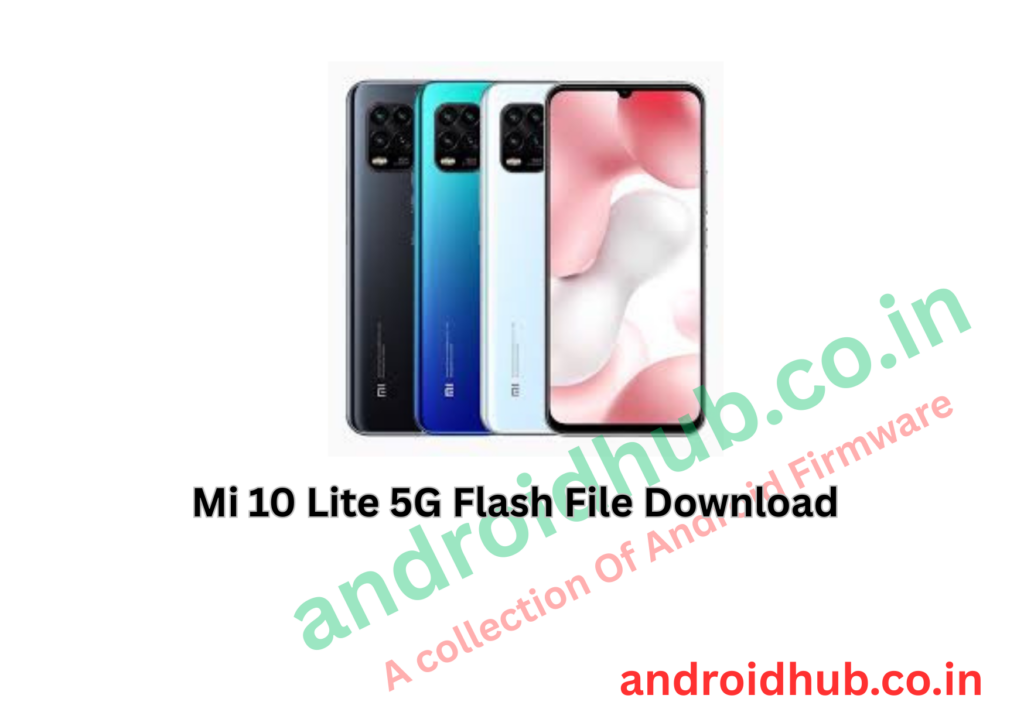
If your Mi 10 Lite 5G is stuck on the MI logo, dead, bootlooping, or facing serious software issues, flashing the official Fastboot ROM can restore the device to factory condition.
This guide includes Global and EEA firmware versions, required tools, flashing steps, and internal links.
📱 Device Information
- Device Name: Mi 10 Lite 5G
- Codename: monet
- Processor: Qualcomm Snapdragon 765G
- Flash Mode: EDL (Emergency Download Mode – 9008)
- Flash Tool: Mi Flash Tool
- Firmware Type: Fastboot ROM
📥 Download Mi 10 Lite 5G Flash File
🌍 Global Version (MI)
Android 12
- monet_global_images_V13.0.4.0.SJIMIXM_20221106.0000.00_12.0_global
- monet_global_images_V13.0.3.0.SJIMIXM_20220526.0000.00_12.0_global
- monet_global_images_V13.0.2.0.SJIMIXM_20220321.0000.00_12.0_global
Android 11
- monet_global_images_V12.5.6.0.RJIMIXM_20220119.0000.00_11.0_global
- monet_global_images_V12.5.5.0.RJIMIXM_20211202.0000.00_11.0_global
- monet_global_images_V12.5.4.0.RJIMIXM_20210918.0000.00_11.0_global
- monet_global_images_V12.1.2.0.RJIMIXM_20210117.0000.00_11.0_global
- monet_global_images_V12.1.1.0.RJIMIXM_20201126.0000.00_11.0_global
Android 10
- monet_global_images_V12.0.2.0.QJIMIXM_20201017.0000.00_10.0_global
- monet_global_images_V12.0.1.0.QJIMIXM_20200819.0000.00_10.0_global
🇪🇺 EEA Version (EU)
🔧 Required Tool
- Xiaomi Mi Flash Tool
(Add your download links here)
🔄 How to Flash Mi 10 Lite 5G (EDL Test Point Method)
⚠️ This method is mainly used for dead phones or hard-bricked devices.
Step 1: Download Firmware
Download and extract the correct Fastboot ROM (monet).
Step 2: Enter EDL Mode
- Connect phone to PC via USB
- Disconnect battery
- Short the test points on motherboard
- Reconnect battery
Step 3: Check Device Manager
Open Device Manager on PC.
You should see:
Qualcomm HS-USB QDLoader 9008
If visible, the device is in EDL mode.
Step 4: Run Mi Flash Tool
Open Mi Flash Tool as Administrator.
Step 5: Load Firmware Folder
Click Select and choose the extracted firmware folder.
Step 6: Detect Device
Click Refresh to detect the device.
Step 7: Start Flashing
Click Flash and wait until the process completes.
Once done, the phone will reboot automatically.
🛠 What This Flash File Fixes
- Stuck on MI logo
- Bootloop problem
- Dead boot issue
- Software crash
- System corruption
- Restore to official stock firmware
⚠️ Important Notes
- Flashing will erase all data
- Use correct firmware for your region (Global or EEA)
- Test point method requires opening the device
- Recommended for technicians or advanced users
- Mi Account lock will not be removed by flashing