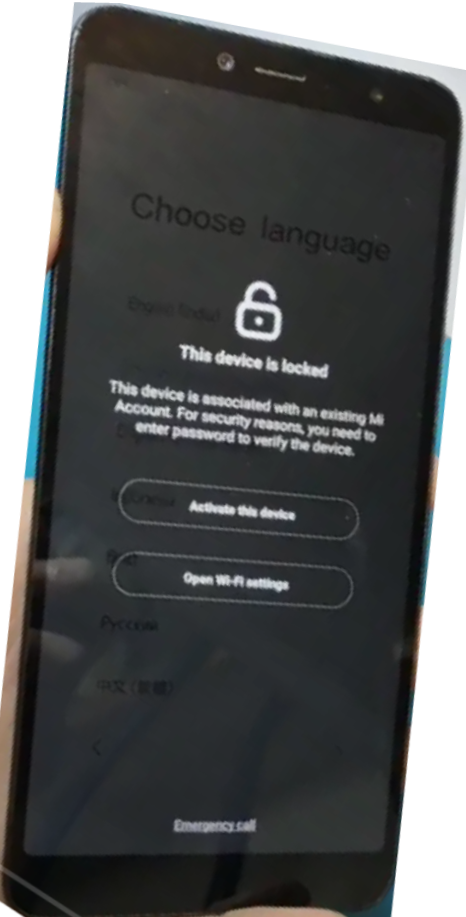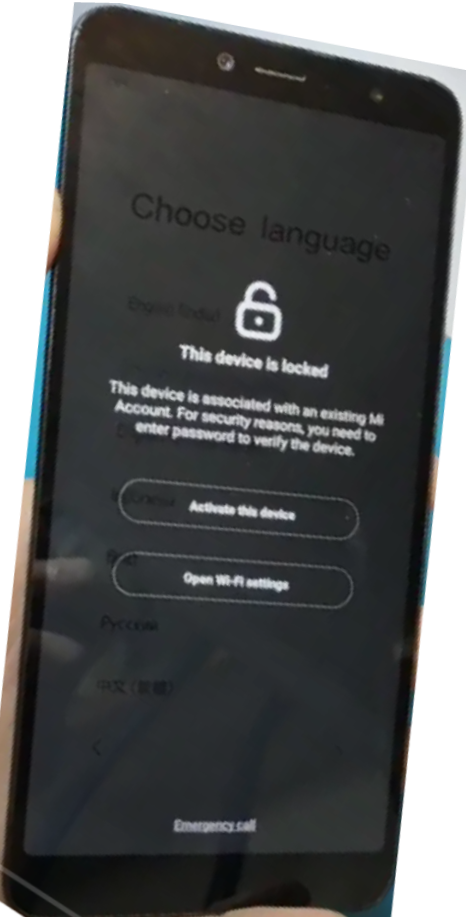
This guide explains how to put the Xiaomi Redmi Y2 into EDL (Emergency Download Mode) using the test point method and perform a Mi Account reset using the UMT Dongle tool.
Technicians often use this method when the phone is Mi account locked, stuck on activation screen, or unable to boot normally.
📱 Device Information
- Device Name: Xiaomi Redmi Y2 / Redmi S2
- Model Codename: ysl
- Processor: Qualcomm Snapdragon 625 (MSM8953)
- Android Version: Android 9 (MIUI 12)
🔧 Required Tools
Before starting, make sure you have the following tools:
- UMT Dongle
- Qualcomm USB Drivers
- USB Cable
- Xiaomi Redmi Y2 Test Point Access
⚡ Xiaomi Redmi Y2 EDL Test Point Method
EDL mode is required when the device bootloader is locked or when the phone is hard bricked.
Steps to Enter EDL Mode
- Power off the device completely.
- Remove the back cover carefully.
- Locate the Redmi Y2 EDL test points on the motherboard.
- Short the two test points using tweezers.
- Connect the USB cable to the PC while shorting the test points.
If successful, Device Manager will show:
Qualcomm HS-USB QDLoader 9008
This means the phone is successfully in EDL Mode.
🔓 Xiaomi Redmi Y2 Mi Account Bypass Using UMT Dongle
Follow these steps to reset the Mi account using the UMT QcFire module.
Step 1: Open UMT Tool
Launch UMT Dongle software and open the QcFire module.
Step 2: Select Operation
Choose:
Reset Mi Account (New)
Step 3: Connect Device
Connect the phone in EDL Mode (Qualcomm 9008).
The tool should detect the device automatically.
Step 4: Start the Process
Click Start to begin the Mi account reset process.
Example log output:
Port : Qualcomm HS-USB QDLoader 9008
Opening Port…OK
Init Handshake Sequence…OK
Preparing Loader…Done
Sending Loader [8953]…Done
Executing Loader…OK
Detecting Chip Type…OK
Hardware : 8953, EMMC, 32GB
Step 5: Mi Account Reset
The tool will:
- Read device information
- Patch Mi account data
- Write modified data to the device
Example result:
Reading Data…Done
Patching Data…Done
Writing Data…Done
Operation Finished
After completion, reboot the phone.
⚠ Important Notes
- Some devices require authorized Mi account authentication for EDL operations.
- Install Qualcomm High-Speed Drivers if the tool shows driver warnings.
- Always backup device data if possible.
📌 Troubleshooting
Device Not Detected
- Reinstall Qualcomm USB drivers
- Try another USB port or cable
Auth Enabled Device Error
- Use updated UMT version
- Ensure proper loader selection
Sahara Fail Error
- Reconnect the device
- Restart the flashing tool
📝 Final Thoughts
Using EDL Test Point and UMT Dongle, technicians can repair software problems and reset Mi account locks on the Xiaomi Redmi Y2. This method is commonly used in mobile repair when the device is locked or unable to boot normally.
in One Click
Operation : Reset Mi Account (New)
Checking for existing devices…Found
Port : Qualcomm HS-USB QDLoader 9008 (COM19)
Driver Info : Qualcomm Incorporated, qcusbser.sys, 2.1.2.7
Opening Port…OK
Init Handshake Sequence…OK
Hardware ID :#########
OPK_DATA : ########
Initializing Protocol…OK
Using Auto Loader Selection [1]
Preparing Loader…Done
Sending Loader [8953]…Done
Executing Loader…OK
Auth Enabled Device! You need Mi Auth Account to service!
Skipping Auth…OK
Detecting Chip Type…OK
Hardware : 8953, EMMC, 32 GB
LU Count : 1 [0x03A3E000]
WARNING! High Speed Driver is not installed.
Please install driver from QcFire\Drivers folder using Device Manager.
Payload Info : In: 65536 [4096], Out: 1048576, Sector Size: 512
Reading Partition Table…OK
Reading Device Information…OK
Device : Xiaomi Redmi S2 [ysl]
Brand : xiaomi
Prod.Name : ysl
Software : PKQ1.181203.001, V12.0.2.0.PEFMIXM [Thu Sep 24 20:47:30 WIB 2020]
Android Ver. : 9
Patch Level : 2020-09-01
Reading Data[1]…Done
Patching Data…Done
Writing Data…Done
Reading Data[2]…Done
Writing Data…Done
Operation Finished.
QcFire Ver. 7.2