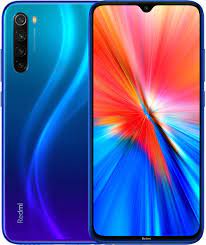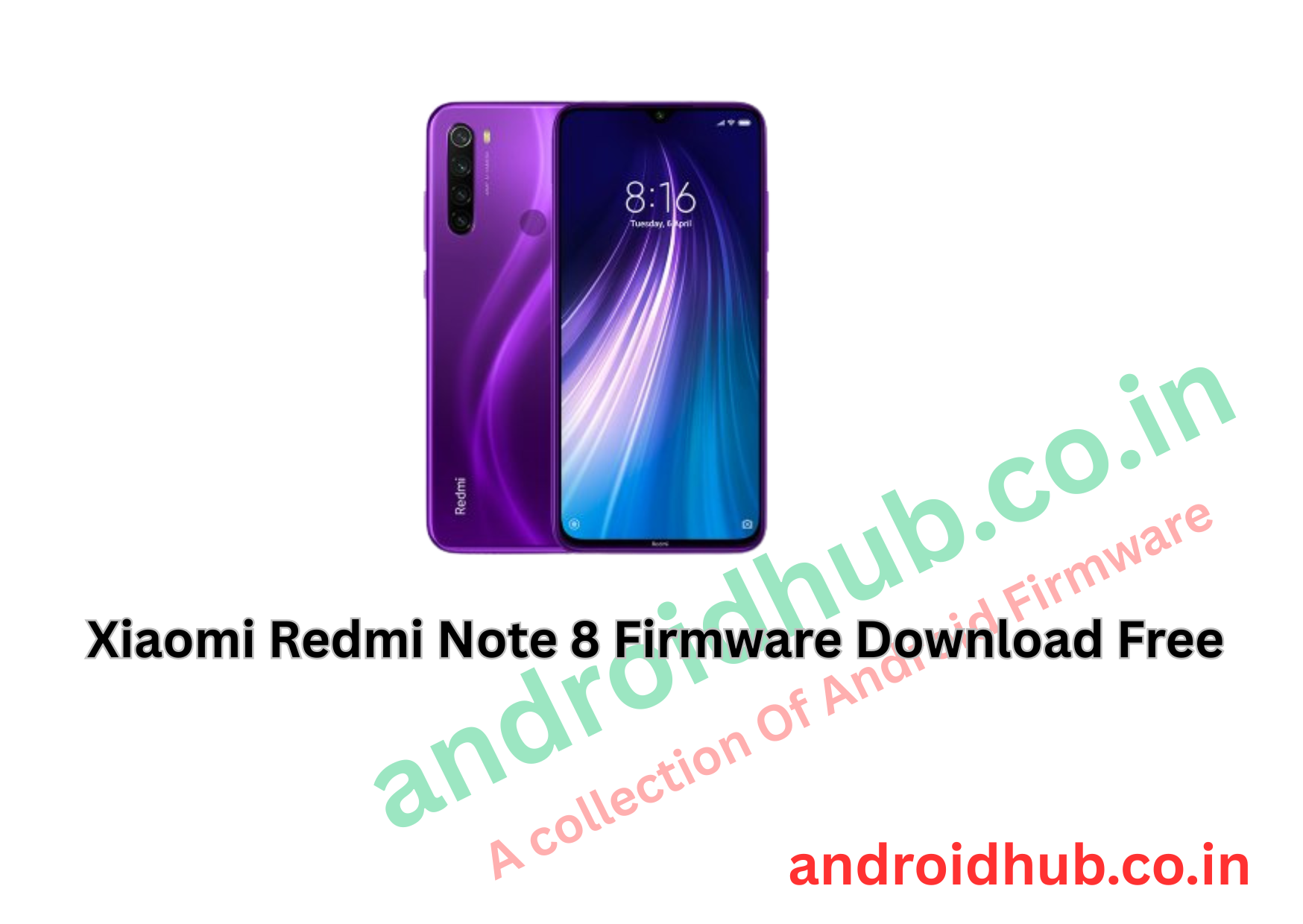
Xiaomi Redmi Note 8 Firmware (Flash File) Download [Free]
Download the official Xiaomi Redmi Note 8 Stock Firmware (Flash File) for free. If your phone is stuck on the Mi logo, facing bootloop, has software bugs, or needs an upgrade/downgrade, flashing the stock ROM is the best solution.
We provide fast, direct, and 100% working firmware files for your Redmi Note 8 (Codename: ginkgo), along with tools and step-by-step flashing instructions.
📥 Download Now from androidhub.co.in
🔧 Device Specifications – Redmi Note 8 (Ginkgo)
| Feature | Specification |
|---|---|
| Display | 6.30-inch FHD+ (1080×2280) |
| Processor | Qualcomm Snapdragon 665 |
| Rear Camera | 48MP + 8MP + 2MP + 2MP |
| Front Camera | 13MP |
| RAM/Storage | 4GB RAM / 64GB Storage |
| Battery | 4000mAh |
| OS | Android 9.0 (upgradable to Android 11) |
| UI | MIUI 10 / 11 / 12.5 |
📂 Redmi Note 8 Firmware (Fastboot ROM)
| Firmware Version | Region | Android | MIUI | Download |
|---|---|---|---|---|
| V10.3.2.0.PCOMIXM | Global | 9.0 | MIUI 10 | ✅ |
| V11.0.3.0.PCOMIXM | Global | 9.0 | MIUI 11 | ✅ |
| V11.0.4.0.PCOMIXM | Global | 9.0 | MIUI 11 | ✅ |
| V11.0.5.0.PCOIDXM | Indonesia | 9.0 | MIUI 11 | ✅ |
| V11.0.9.0.PCOMIXM | Global | 9.0 | MIUI 11 | ✅ |
| V11.0.11.0.PCOMIXM | Global | 9.0 | MIUI 11 | ✅ |
| V11.0.12.0.PCOMIXM | Global | 9.0 | MIUI 11 | ✅ |
| V12.0.2.0.QCOINXM | India | 10.0 | MIUI 12 | ✅ |
| V12.5.2.0.RCOMIXM | Global | 11.0 | MIUI 12.5 | ✅ |
📁 Also Available:
🔧 Repair IMEI Board File (QPST): Redmi_Note_8_Repair_IMEI_QPST_ID-3.29.zip
🔄 How to Flash Xiaomi Redmi Note 8 (Ginkgo)
Tools Required:
- Mi Flash Tool
- Qualcomm USB Drivers
- USB Cable
- Windows PC
Steps:
- Download & extract the Fastboot ROM.
- Install Qualcomm Drivers and Mi Flash Tool.
- Power off your device and boot into EDL (Test Point) mode.
- Connect your device to PC via USB cable.
- Launch Mi Flash Tool > Click Refresh.
- Load extracted firmware folder path.
- Click Flash and wait until process completes.
- Device will reboot automatically.
📌 Tip: Always back up your data before flashing. This will erase everything on your phone.
✨ Unleashing the Potential: Redmi Note 8 Software Features
The Redmi Note 8 isn’t just a hardware powerhouse—its MIUI software features enhance usability, performance, and personalization:
1. MIUI: A Powerful User Interface
Smooth animations, rich themes, app vault, and dark mode make MIUI one of the best Android skins available.
2. Advanced Camera Software
With features like AI scene detection, Pro mode, night mode, and filters, the 48MP quad camera setup truly shines.
3. AI Face Unlock & Fingerprint
Offers fast and secure unlocking through both biometric options.
4. Gesture Navigation
Swipe-based navigation replaces traditional buttons for a more immersive screen experience.
5. Game Turbo
Optimizes RAM and CPU for lag-free, responsive gaming.
6. App Vault
Quickly access shortcuts, notes, and frequently used tools in one swipe.
7. Built-in Security App
Manage app permissions, scan for viruses, clean cache, and boost performance—all from one app.
8. Regular Updates
Xiaomi frequently pushes updates for MIUI and Android, keeping your device optimized and secure.
⚠️ Disclaimer
Flashing firmware involves risk and may void warranty. Ensure you’re flashing the correct file for your device variant. AndroidHub.co.in is not responsible for any damage caused during the flashing process.