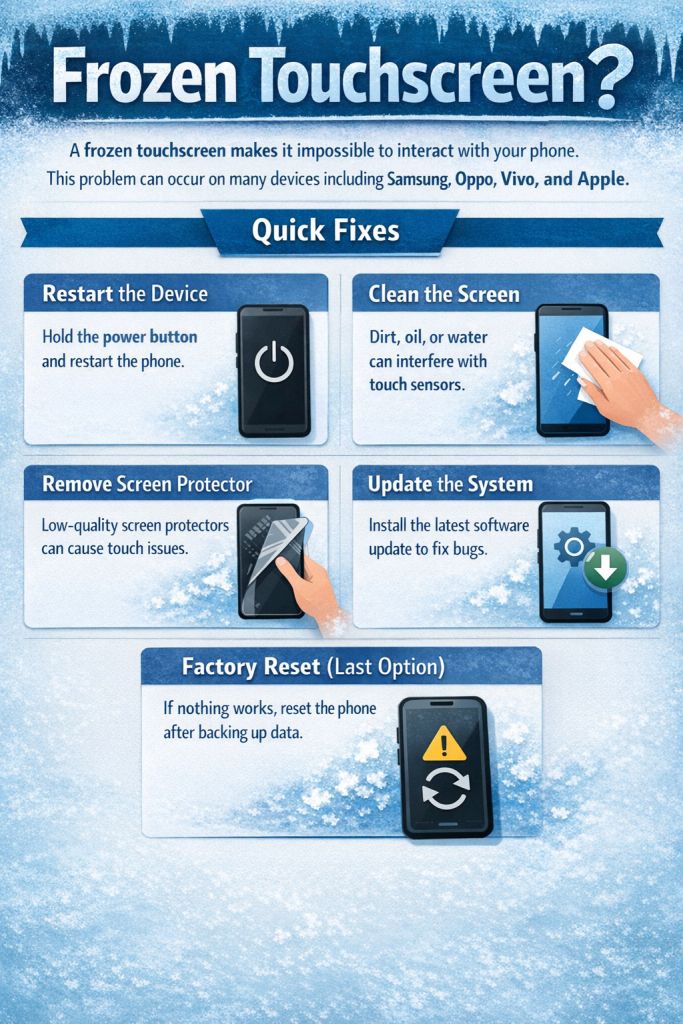
Phone touchscreen frozen or not responding? Learn quick fixes to unfreeze your Android or iPhone screen and restore touch functionality.
A frozen touchscreen makes it impossible to interact with your phone.
This problem can occur on many devices including Samsung, Oppo, Vivo, and Apple.
Quick Fixes
Restart the Device
Hold the power button and restart the phone.
Clean the Screen
Dirt, oil, or water can interfere with touch sensors.
Remove Screen Protector
Low-quality screen protectors can cause touch issues.
Update the System
Install the latest software update to fix bugs.
Factory Reset (Last Option)
If nothing works, reset the phone after backing up data.