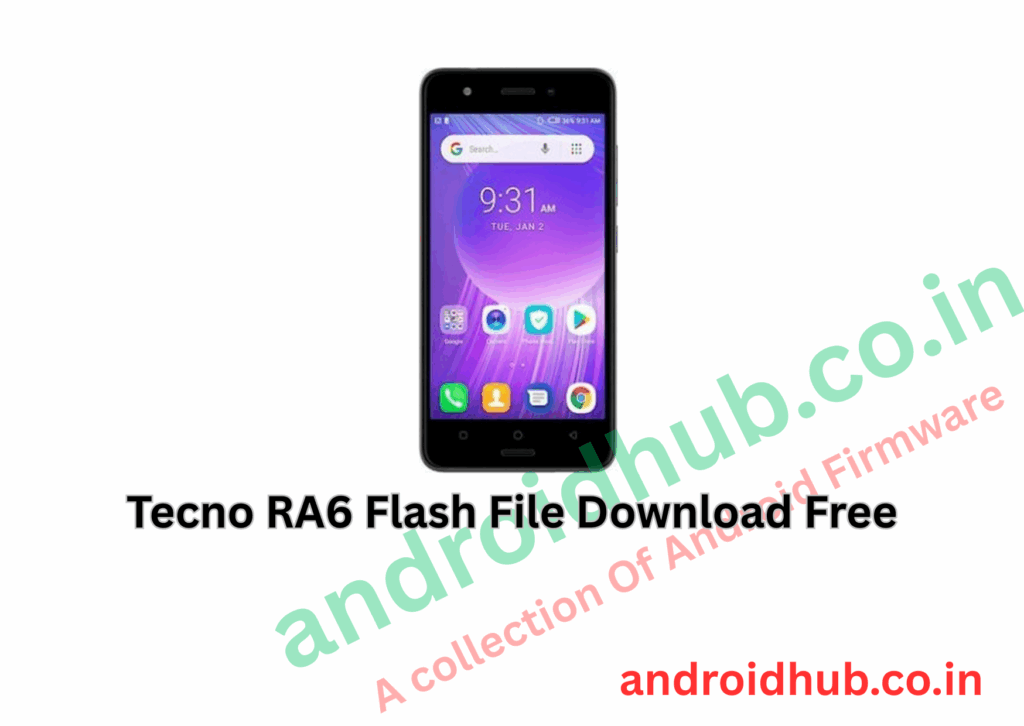
Download Tecno RA6 Flash File (Stock ROM) | FRP Unlock & Firmware Flash Guide
Flashing the Tecno RA6 using the official stock ROM will help you:
- 🔓 Bypass FRP (Factory Reset Protection)
- 🛠 Fix software-related issues like bootloop, stuck logo, lagging, or app crashes
- 🔄 Restore the device to factory condition
📁 Firmware Information
- Model: Tecno RA6 (Spark Youth)
- Firmware Versions Available:
Tools Included:
- ✅ Official Stock Firmware
- ✅ Tecno Flash Tool (SWD AfterSales Tool)
- ✅ MediaTek USB Drivers (MTK Driver)
⚙️ Prerequisites
- 🖥 A Windows PC
- 🔌 USB cable (preferably original)
- 🔋 50% or more battery level
- 💾 Optional: Backup all personal data (flashing wipes everything)
🚀 How to Flash Tecno RA6 – Step-by-Step
1. Install MTK Drivers
- Install the MediaTek USB Driver on your PC.
2. Extract Flash Files
- Unzip both the firmware package and the Tecno Flash Tool.
3. Open the Flash Tool
- Run
SWD_AfterSales.exefrom the extracted Tecno Flash Tool folder.
4. Load Scatter File
- Click on Setting under Operation Area.
- Navigate and select the
Android_scatter.txtfile from the firmware folder.
5. Start the Flashing Process
- Click the Play (Start) button on the flash tool.
6. Connect the Device
- Power off your phone completely.
- Hold Volume Down or Volume Up and connect it via USB to your PC.
7. Wait for Completion
- The flashing process will automatically start.
- You’ll see a green success message once it’s completed.
📥 Download Links
- 🔗 RA6 Firmware – RA6-H394D-Go-TG-LC-181115V60
- 🔗 RA6 Firmware – RA6-H394D-Go-181115V139
- 🔗 Tecno Flash Tool – SWD AfterSales Tool
- 🔗 MTK USB Driver – Latest Version
❓ Troubleshooting
| Issue | Cause | Solution |
|---|---|---|
| Flash fails | Mismatched scatter file | Ensure correct firmware version |
| Device not detected | Driver issue | Reinstall MTK drivers |
| Stuck in bootloop | Corrupt flash | Reflash or use another version |
📌 Notes
- ⚠ Flashing your phone erases all data. Backup if possible.
- 🧠 Ensure your firmware matches your exact device model and variant.
- ✅ This method works for unbricking, system repair, or unlocking FRP.