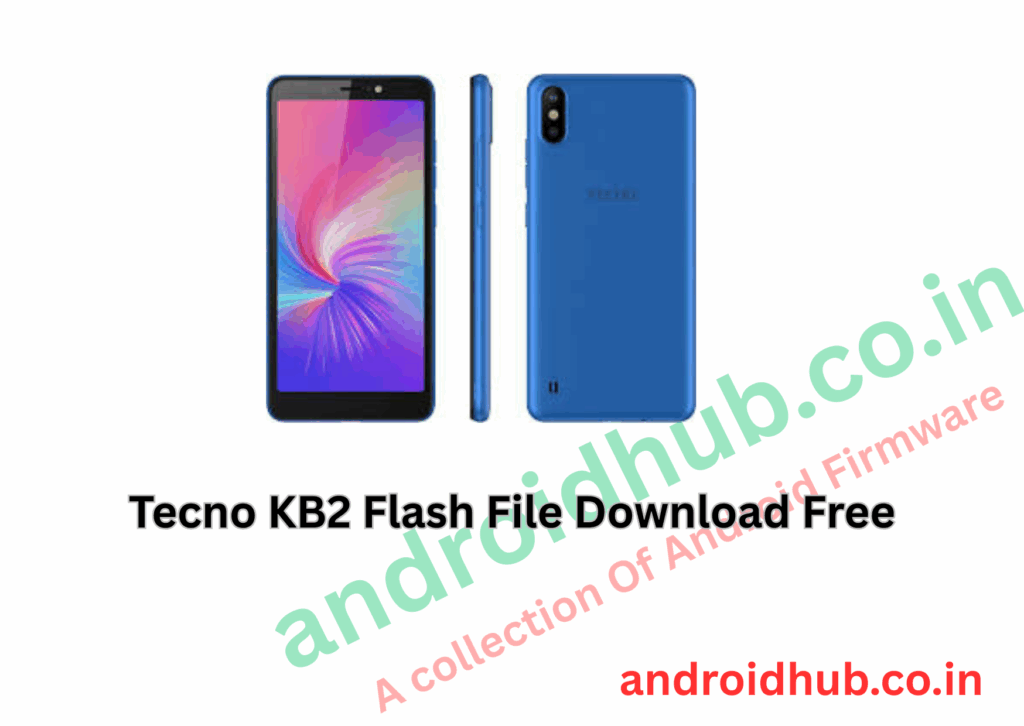
Download Tecno KB2 Flash File (Stock ROM) | FRP Unlock & Firmware Restore
Flashing the stock ROM on your Tecno KB2 (Camon iSKY 2) helps resolve software issues, boot loops, and removes FRP lock, making your device usable again.
📱 Firmware Versions Available
🧰 Required Files & Tools
- ⚙️ Tecno Flash Tool (SWD AfterSales Tool)
- 💽 MTK USB Driver
- 🗃️ Android Scatter-based Firmware Package
🔧 How to Flash Tecno KB2 (Step-by-Step Guide)
Step 1: Install MTK USB Drivers
- Download and install MediaTek drivers to ensure your PC detects the device.
Step 2: Extract Files
- Unzip the downloaded firmware package and the Tecno Flash Tool.
Step 3: Open Flash Tool
- Launch the flashing utility by running
SWD_AfterSales.exe.
Step 4: Load Firmware
- In the tool, click on “Setting”.
- Locate and select the
Android_scatter.txtfile inside the firmware folder.
Step 5: Begin Flashing
- Click the Play button (top left corner) to start the flashing process.
Step 6: Connect Device
- Power off the phone.
- Connect it to the PC while holding the Volume Down or Volume Up button.
Step 7: Flashing Success
- Wait for a green checkmark or confirmation message indicating a successful flash.
📦 Download Links
🛠 Troubleshooting Tips
| Problem | Solution |
|---|---|
| Device not detected | Ensure MTK driver is installed and try another USB port |
| Flashing fails or freezes | Use “Format All + Download” if regular mode fails |
| FRP Lock not removed | Flash latest ROM version and do a factory reset |
💡 Pro Tip: Always charge your device to at least 50% before flashing and use a quality USB cable to avoid interruptions.