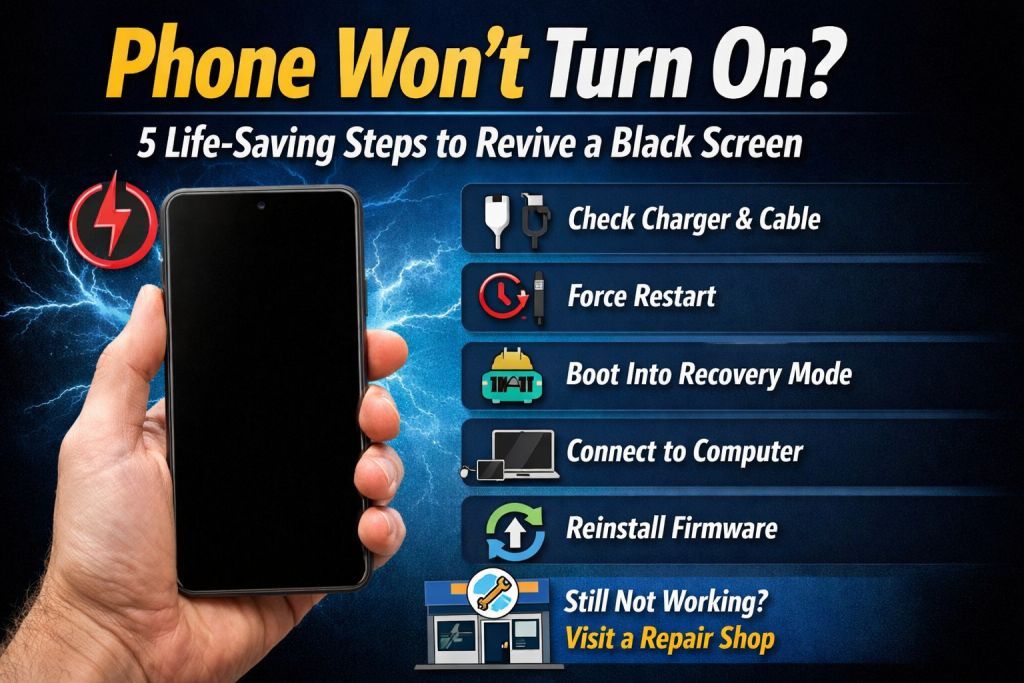
A smartphone that refuses to turn on can be frustrating. Whether the screen stays completely black or the phone shows no response at all, the issue can be caused by battery problems, software crashes, or hardware faults.
Before rushing to a repair shop, there are several troubleshooting steps you can try at home. In this guide, we will explain 5 effective methods to fix a phone that won’t turn on and help bring your device back to life.
These steps work for most Android devices including brands like Samsung, Xiaomi, Vivo, Oppo, and Realme.
1. Check the Charger and Cable
Sometimes the phone appears dead simply because the battery is fully drained.
What to do
- Connect the phone to a working charger.
- Use the original USB cable if possible.
- Try a different power adapter or cable.
- Charge the phone for 15–30 minutes before attempting to turn it on.
If the charging icon appears, the problem was likely just a drained battery.
2. Force Restart the Phone
If your phone screen is black but the device is still running in the background, a force restart can solve the issue.
How to force restart
Press and hold the following buttons for 10–20 seconds:
- Power + Volume Down
- Power + Volume Up (for some models)
This will reboot the device and may fix a frozen system.
3. Boot Into Recovery Mode
If the system software is corrupted, the phone might fail to start normally. Booting into Recovery Mode can help reset the device.
Steps
- Turn off the phone.
- Press Power + Volume Up together.
- When the recovery menu appears, select Reboot System Now.
If the phone still does not start, you can try Wipe Cache Partition or perform a Factory Reset (this will erase all data).
4. Connect the Phone to a Computer
Connecting the phone to a computer can help determine if the device is still being detected.
Steps
- Connect your phone to a PC using a USB cable.
- Check if the device is detected in the computer.
- If detected, the issue may be software related.
In such cases, reinstalling firmware using tools like Odin or SP Flash Tool can restore the system.
5. Reinstall the Phone Firmware
If the phone is stuck in a boot loop or not turning on due to software damage, flashing the stock firmware can fix the problem.
Basic process
- Download the official firmware for your device.
- Install the required USB drivers.
- Use the appropriate flashing tool.
- Flash the firmware and reboot the phone.
This method is commonly used by technicians to fix bootloop, black screen, and system crash issues.
When to Visit a Repair Center
If none of the above solutions work, the issue might be hardware related such as:
- Damaged battery
- Faulty charging port
- Power IC failure
- Motherboard damage
In such cases, it is best to consult a professional technician.
Final Thoughts
A phone that won’t turn on does not always mean the device is permanently damaged. Many times the problem is caused by battery drain, system crash, or software corruption, which can be fixed using simple troubleshooting methods.
By following these 5 life-saving steps, you may be able to revive your phone and avoid costly repairs.