Introduction
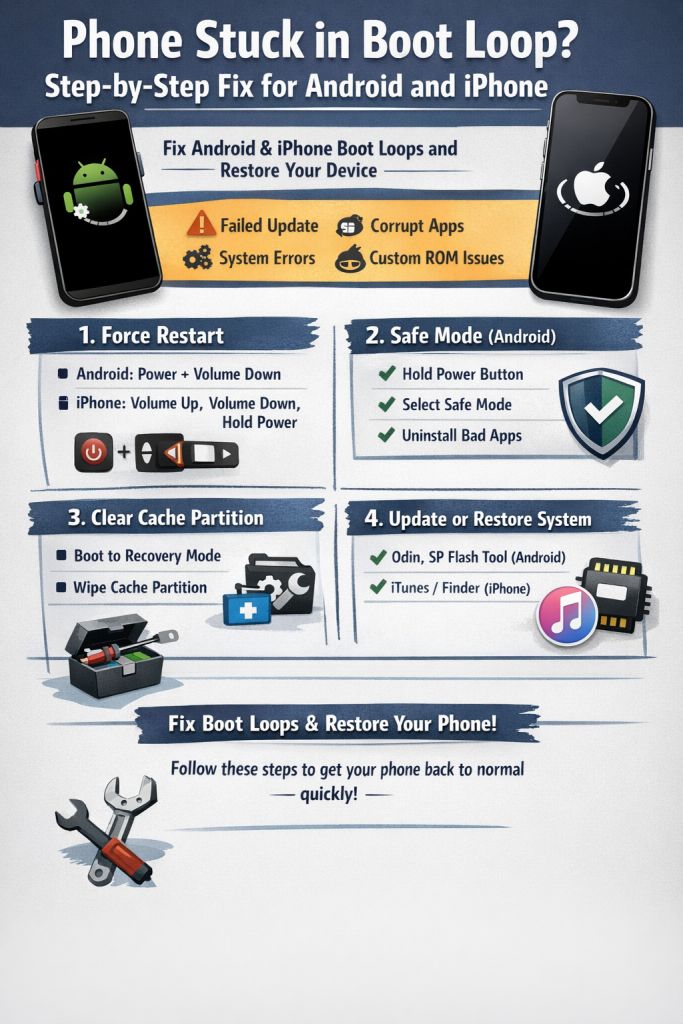
A boot loop happens when your phone repeatedly restarts and never fully loads the operating system. The device shows the logo, restarts again, and continues this cycle.
Boot loops can happen on devices from Samsung, Xiaomi, Apple, and many others.
Most boot loop problems are caused by system updates, corrupted apps, or firmware issues.
Common Causes
- Failed system update
- Corrupted apps
- System file damage
- Rooting or custom ROM errors
- Malware or software conflicts
Fix 1: Force Restart
For many devices a forced restart stops the loop.
Android:
Hold Power + Volume Down for 10 seconds.
iPhone:
Press Volume Up → Volume Down → Hold Power until the Apple logo appears.
Fix 2: Boot into Safe Mode (Android)
Safe mode loads only system apps.
Steps:
- Hold the Power button
- Tap and hold Restart
- Choose Safe Mode
If the phone boots normally, uninstall recently installed apps.
Fix 3: Clear Cache Partition
Corrupted system cache can cause boot loops.
Steps:
- Turn off the phone
- Press Power + Volume Up
- Open Recovery Mode
- Select Wipe Cache Partition
Fix 4: Update or Restore System
For Android you may need to reinstall firmware using tools like:
- Odin
- SP Flash Tool
For iPhone you can restore the system using iTunes or Finder.
Final Thoughts
Boot loops look scary, but most are caused by software issues. With the steps above, you can often restore your phone without professional repair.