Fingerprint scanners make unlocking phones fast and secure. However, sometimes the sensor suddenly stops recognizing your finger.
This issue commonly appears on devices from Samsung, Xiaomi, OnePlus and Apple.
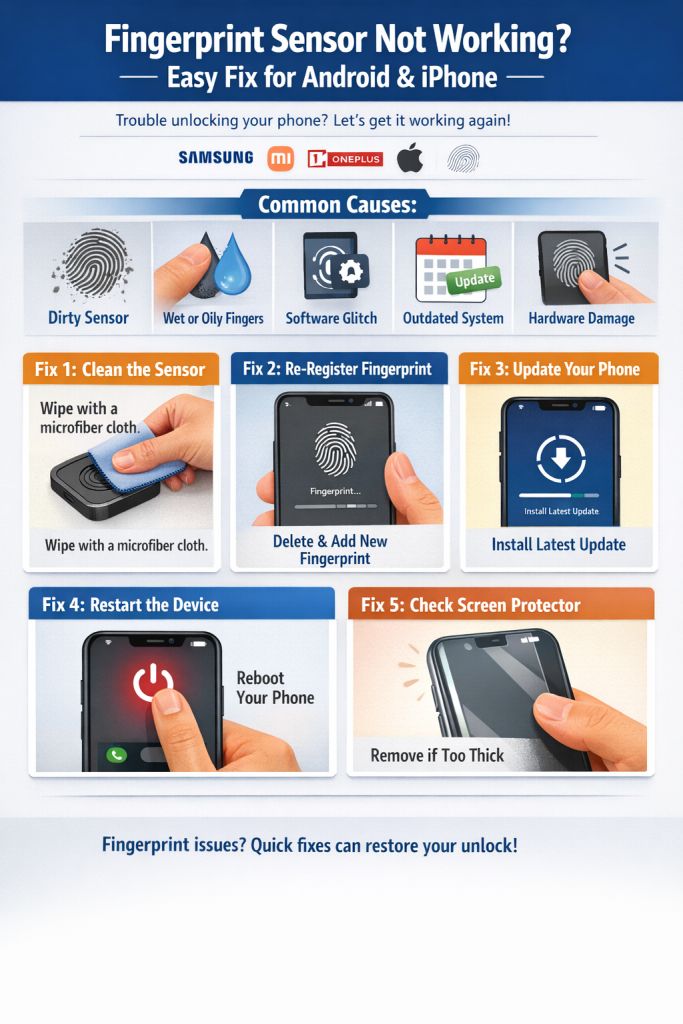
Common Causes
- Dirty fingerprint sensor
- Wet or oily fingers
- Software bugs
- Outdated system update
- Sensor hardware damage
Fix 1: Clean the Fingerprint Sensor
Use a soft microfiber cloth to clean the sensor.
Dirt and oil can prevent proper fingerprint detection.
Fix 2: Re-Register Your Fingerprint
Sometimes saved biometric data becomes corrupted.
Steps:
Settings → Security → Fingerprint → Delete old fingerprint → Add new one
Fix 3: Update Your Phone
Install the latest system update to fix biometric bugs.
Fix 4: Restart the Device
A simple reboot can reset the fingerprint service.
Fix 5: Check Screen Protector
On phones with in-display sensors, thick screen protectors may block scanning.
Conclusion
Fingerprint problems are usually caused by software bugs or sensor dirt, and most can be fixed within minutes.